GTA 6 PS5 error CE-108255-1: what it means and safe steps to fix crashes
GTA 6 crashing on PS5 with error CE-108255-1? There is no official fix yet. These are the safe steps to try, in order, without losing your saves.
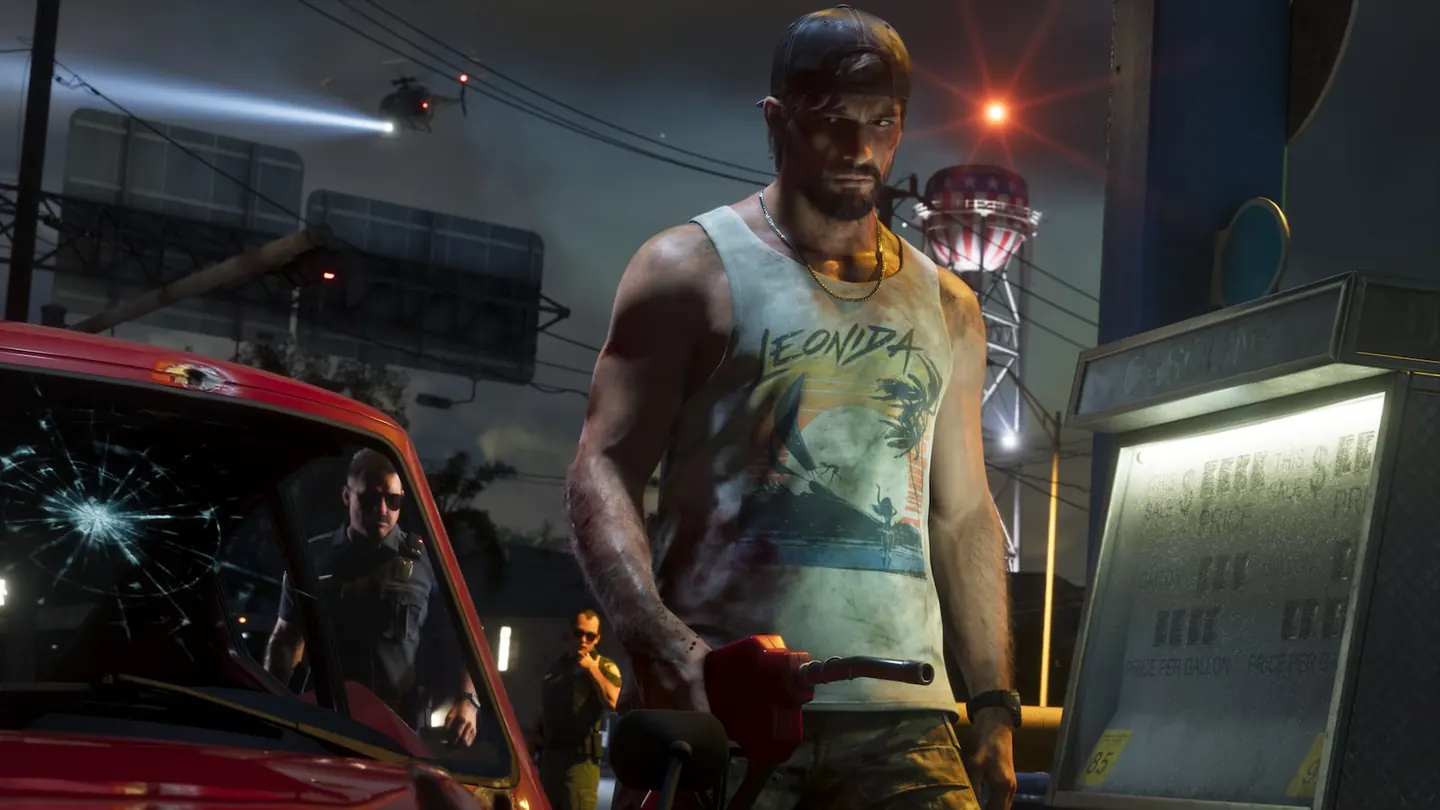
Few things kill the vibe faster than GTA 6 dumping you back to the PS5 home screen with error CE-108255-1. Players on both the standard PS5 and PS5 Pro are reporting it. Here is what the code means and what to do, in a safe order that protects your progress.
What CE-108255-1 means
Sony's own description is simply "An error occurred with the game/application." In other words, the game crashed. According to FinalBoss, the code cannot tell a game bug apart from a console fault. Crashes have been reported at startup, during loading, after long sessions and even at a specific moment in the early mission Pipework.
As of November 21, there was no dedicated fix from Rockstar or Sony, and Rockstar had not publicly acknowledged a GTA 6-specific bug tied to the code. Xbox crashes are a separate issue.
Step 1: update the game
Highlight GTA 6 on the PS5 home screen, press Options and choose Check for Update. Updating the game is Sony's first recommended step for this error.
Step 2: update the console and restart
Install any pending PS5 system software update, then fully restart the console rather than using rest mode. Note the game and system versions you are testing on.
Step 3: reproduce it carefully
Load the same save and repeat whatever you did before the crash. FinalBoss suggests noting the mission, location and how long the game ran. If it always crashes at the same action, that is useful evidence for support. It does not prove your save is corrupted.
Step 4: protect your saves
GTA 6 has 15 manual save slots. Keep a separate save from before the trouble spot and use a new slot once you get past it, so the autosave cannot trap you at a crash point. Our save guide explains how slots and autosave work.
Step 5: only then consider a reinstall
FinalBoss notes that restoring licences and reinstalling have not fixed repeat crashes for some players. If you reinstall, back up saves first and remove only the game. Leave save deletion, database rebuilding and factory resets out of the first round.
What not to do
The code alone is no reason to disable security protections, open your console or replace thermal paste. Ignore videos telling you otherwise.
Contact support
Send Rockstar Support and PlayStation Support the exact code, your PS5 model, game and system versions, the mission or save and the steps you have already tried. Say whether the PS5 returns to the home screen or shuts down completely. If other games crash too, or you see a heat warning, mention it to PlayStation, because that points to the console.
For other launch issues, see our launch bugs report and launch troubleshooting guide.
Sources
- GTA 6 PS5 Crash CE-108255-1: No Official Fix, Safe Steps to Try
FinalBoss · Checked
Attributed troubleshooting guide citing Sony and Rockstar support positions; no official fix existed at publication.
The conversation
Your take on Leonida.
Got a detail we missed? A theory worth arguing about? Make your case. Keep it friendly, and keep personal details out.
JavaScript is needed for this optional discussion; the full article is readable without it.
Keep going