Why GTA 6 runs at 30fps, even on PS5 Pro, and how to make it feel better
Rockstar says GTA 6 targets 30fps on every console and the PS5 Pro CPU cannot push it higher. Here is why, what players think, and a few setup tips.
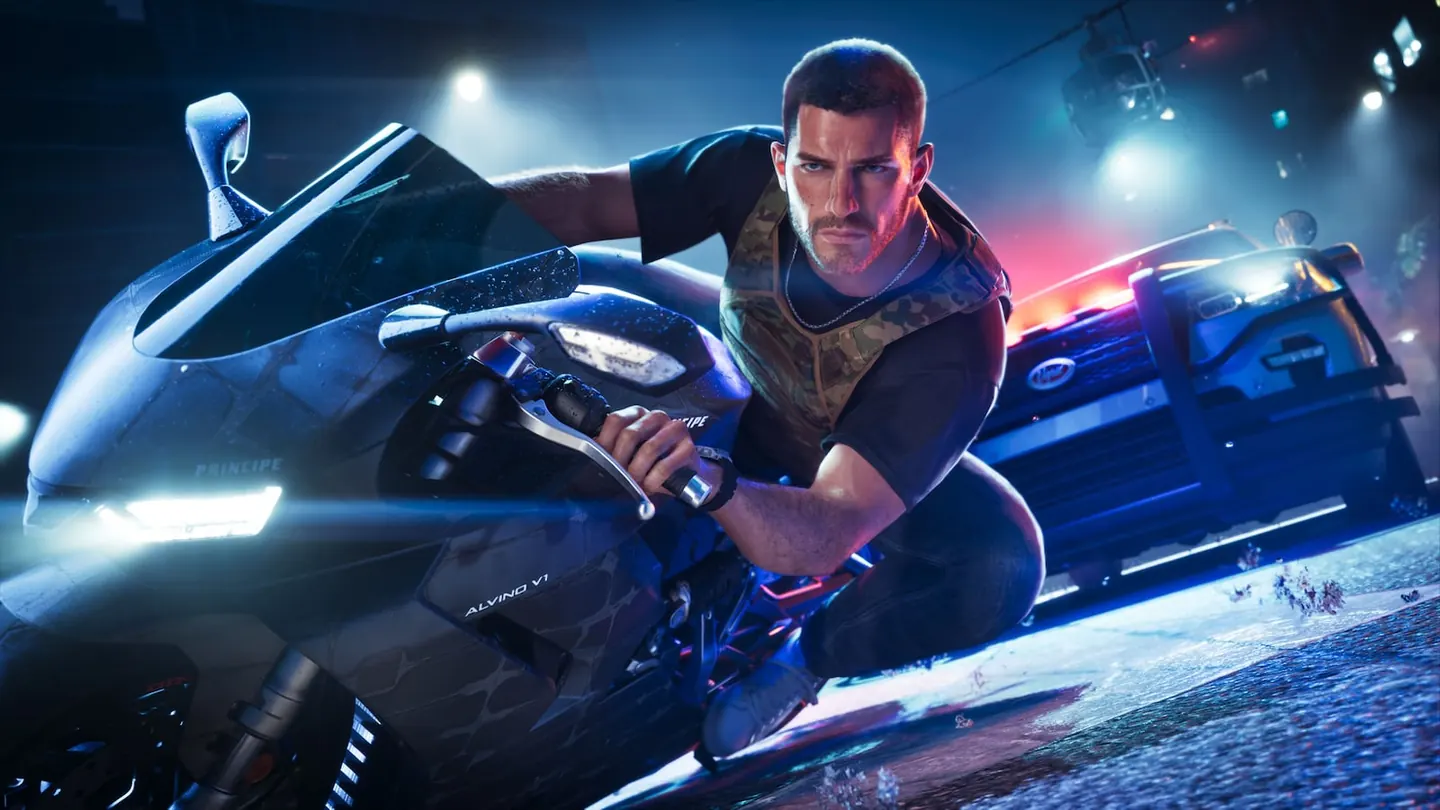
No GTA 6 topic has caused more arguments this month than three characters: 30fps. If you are wondering why there is no performance mode, whether it ruins the game, and what you can do about it, here is the calm version.
Why there is no 60fps mode
GamesRadar+ reports a statement Rockstar's technology production director, Marc Chambers, gave to Kotaku. The base game uses ray-traced reflections and global illumination; PS5 Pro adds ray-traced shadows and sharper PSSR upscaling. The key line is about the processor: the Pro's CPU is only slightly better than a base PS5's, and Rockstar says it is not powerful enough to run the game's simulation at higher frame rates.
That is the important detail. In many games, a performance mode trades resolution for frames because the graphics chip is the bottleneck. GTA 6's limit is the simulation: traffic, pedestrians, police, wildlife and physics all ticking away at once. Lowering resolution does not fix a CPU limit.
Is it a good 30?
Digital Foundry, as reported by GamesRadar+, described GTA 6 as the smoothest GTA in history and said dips on base PS5 and Series X were minor. PS5 Pro holds its target best. Series S is the exception, with frequent drops into the 20s according to LevelUp's summary of the same analysis; see our Series S report.
Where the community lands
Push Square's 30fps poll thread is a good snapshot. Roughly, players split into three camps:
- "Fine if it is stable." Many said frame pacing matters more than the number, and that Rockstar's games have always been 30fps on console.
- "I wanted 40." PS5 Pro owners in particular hoped for a 40fps balanced option on 120Hz TVs.
- "Dealbreaker." A smaller but loud group said they would wait for a PC version or a future console upgrade.
Launch-night comments have been kinder than the pre-release mood. Several players wrote that they stopped noticing the frame rate after an hour.
Setup tips that genuinely help
None of these add frames, but they can make 30fps feel more consistent:
- Use your TV's game mode to reduce input lag. Many TVs switch automatically when the console asks.
- Turn off TV motion smoothing if game mode does not already do it; it adds lag and artefacts.
- On OLED TVs, some players find 30fps looks stuttery because pixels change so fast. Check whether your TV offers a game-friendly motion setting, and test it rather than trusting a forum.
- Give it an hour. If you have just come from a 60fps shooter, your eyes need time to adjust.
Rockstar has not announced a future higher-frame-rate patch. GTA 5 did get smoother on later hardware, so hope is reasonable; expectation is not. If you are choosing hardware, read our console comparison.
Sources
- GTA 6 at 60fps on PS5 Pro isn’t possible because the console is not powerful enough, Rockstar says
GamesRadar+ · Checked
Attributed reporting of a Rockstar statement given to Kotaku and of Digital Foundry’s findings.
- Poll: Is GTA 6 Being Stuck at 30fps on PS5 a Dealbreaker?
Push Square · Checked
Reader poll and comment thread used only to describe community sentiment, not as factual evidence about performance.
- Does GTA 6 Run Well on Xbox Series S? Experts Praise Rockstar’s Work but Issue an Important Warning
LevelUp · Checked
Attributed summary of Digital Foundry’s console analysis; figures are Digital Foundry measurements, not ViceTide benchmarks.
The conversation
Your take on Leonida.
Got a detail we missed? A theory worth arguing about? Make your case. Keep it friendly, and keep personal details out.
JavaScript is needed for this optional discussion; the full article is readable without it.
Keep going