Can you play GTA 6 in first person? How to use the hidden first-person view
GTA 6 has no full first-person mode, but you can use a first-person view standing still, through a scope and while driving with your phone out.
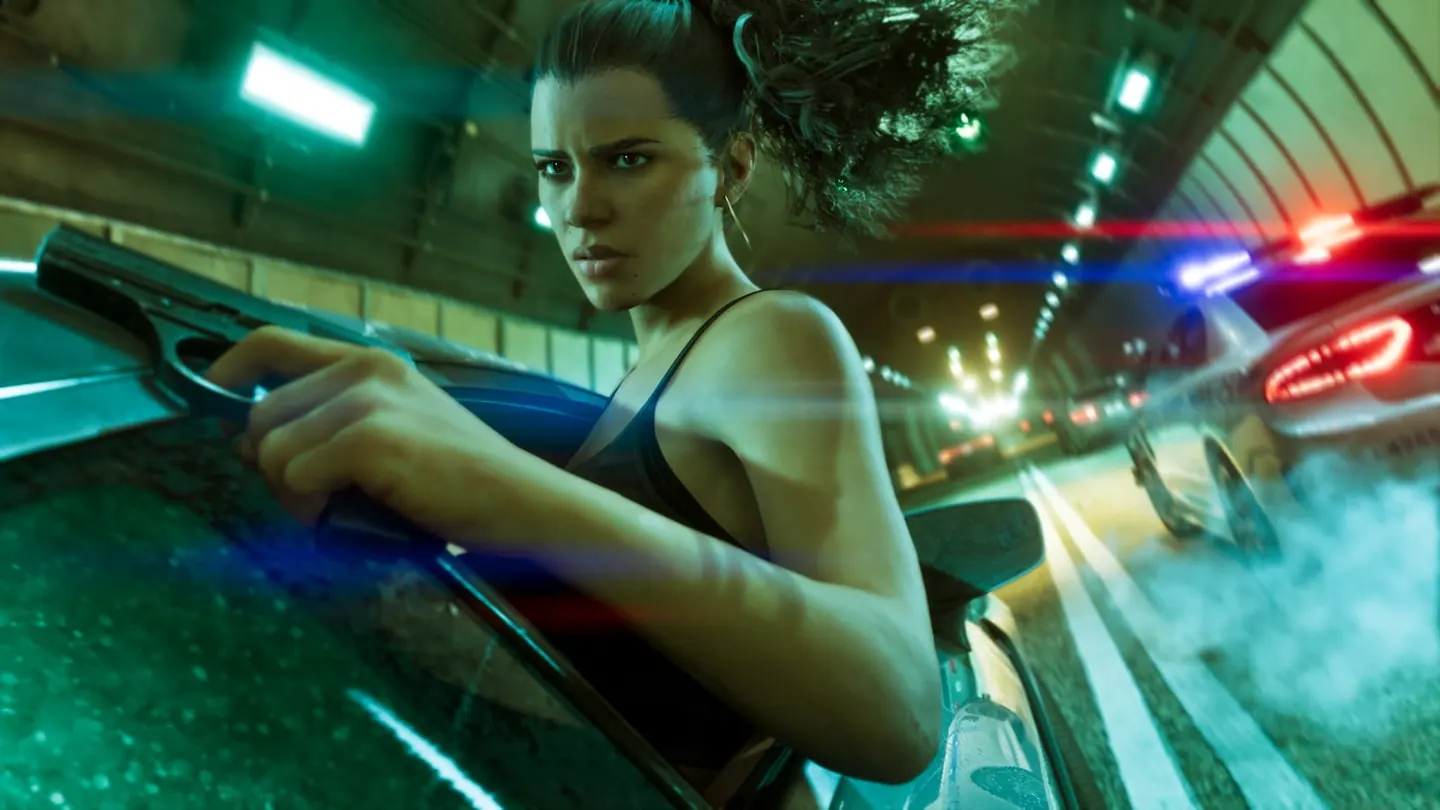
First-person mode was one of the best surprises of GTA 5's re-release, so plenty of players went looking for it in GTA 6. Here is the short answer, and the hidden views you can use instead.
Does GTA 6 have a first-person mode?
No. Video Games Chronicle confirms GTA 6 does not have a traditional first-person mode like GTA 5. KeenGamer adds that no menu option switches the whole game to first-person, none of the game's cheats unlock one, and Rockstar has not announced one for a future update. The game was built around a third-person camera.
What it does have is a hidden first-person view in three situations.
1. Standing still
- Stop moving.
- Hold L2 (LT on Xbox), then press R3 (click the right stick). VGC describes it as using L2 and then clicking L3 and R3 together.
The camera drops into Jason's or Lucia's eyes, and you can look around freely with the right stick. Moving ends the view.
Important: never press L3 and R3 without holding L2 first. Both sources warn that this activates Focus Mode instead, which drains your Focus meter.
This is the best way to admire the detail in GTA 6's world. Use it in shops, homes and on rooftops.
2. Aiming through a scope
KeenGamer says scoped first-person aiming needs an Optic attachment:
- Buy an Optic at any Ammu-Nation from the Attachments menu.
- Equip the scoped weapon.
- Hold L2 / LT to aim, then press R3 to switch to a true first-person sight.
You cannot walk while the scope view is up, so pick a stable spot first. It is ideal for long-range shots and hunting. See our hunting guide.
3. Driving with your phone out
KeenGamer says you can drive in first-person only while your phone is out. Press Up on the D-pad behind the wheel. The phone covers part of the windscreen, so keep this for slow cruising, not chases.
Best settings for first-person moments
KeenGamer recommends:
- Motion Blur Strength: 0 (Display > Visual Effects) for sharper turns.
- Camera Shake: Off (Camera tab).
- Targeting: Free Aim for precise scoped shots.
- Lower Aim Assist for full manual control.
There is no field of view slider for normal play. The FOV slider in Photo Studio only affects photos. See our photo mode guide and our best settings guide.
Will a full first-person mode come later?
There is no sign of one. GTA 5 added its first-person mode in a re-release, so a future version of GTA 6 might, but that is speculation.
Sources
- GTA 6 First-Person mode explained: Does GTA 6 have a first-person mode?
Video Games Chronicle · Checked
Attributed launch-week guide; steps, locations and figures are the publication's findings, not ViceTide testing.
- Can You Play GTA 6 in First-Person Mode?
KeenGamer · Checked
Attributed launch-week guide; steps, locations and figures are the publication's findings, not ViceTide testing.
The conversation
Your take on Leonida.
Got a detail we missed? A theory worth arguing about? Make your case. Keep it friendly, and keep personal details out.
JavaScript is needed for this optional discussion; the full article is readable without it.
Keep going