How to fly planes and helicopters in GTA 6: controls, take-off and landing
GTA 6 flying controls for PS5 and Xbox: throttle, inverted stick, rudder on Square and Circle, landing gear, helicopters and where to get aircraft safely.
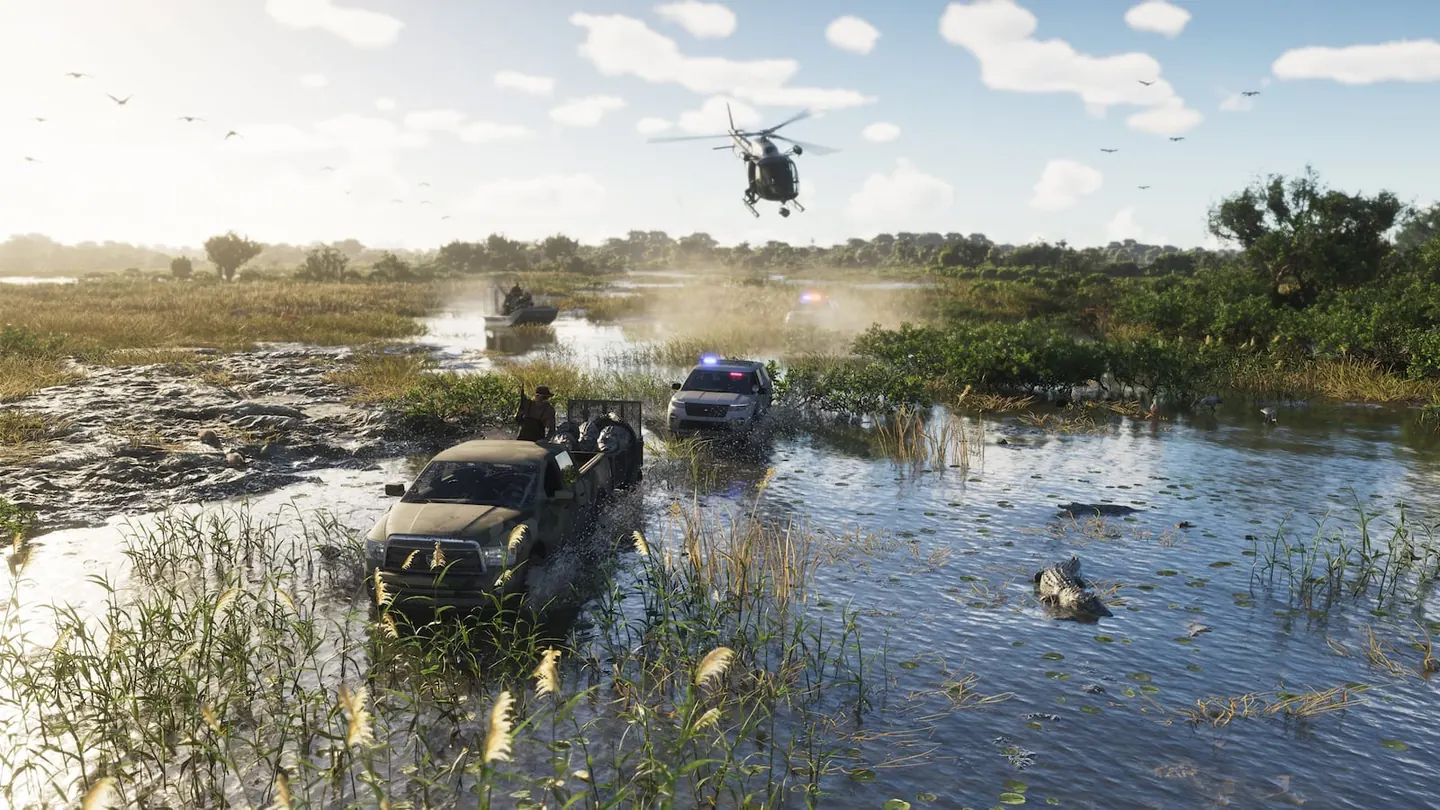
Flying in GTA 6 catches out a lot of GTA 5 veterans, because some controls have moved. Once you know them, planes and helicopters are the fastest way to see Leonida. Here is everything you need.
Plane controls (PS5 / Xbox)
According to GTABase and OutputLag:
| Action | PS5 | Xbox |
|---|---|---|
| Throttle | Hold R2 | Hold RT |
| Slow down | Hold L2 | Hold LT |
| Pitch and roll | Left stick | Left stick |
| Rudder (yaw) | Square / Circle | X / B |
| Landing gear | L3 | Click left stick |
| Weapons (armed aircraft) | Hold L1 | Hold LB |
The big change: the rudder is on Square and Circle, not the bumpers as in GTA 5. OutputLag says there is no option to move it back.
The inverted stick
OutputLag says aircraft controls are inverted by default, so pushing up makes the nose dive and pulling back climbs. If that feels wrong, turn off Aircraft Movement under Settings > Controller > Inverted Controls.
How to take off
- Get in and wait a moment for the engine.
- Line up with the runway, or with open water in a seaplane, using the rudder.
- Hold the throttle.
- Once you have speed, gently pull the left stick back.
OutputLag notes the P-996 Lazer jet takes off in a very short distance, so you do not need the whole runway. Our military base guide shows how to get one.
How to land
GTABase's steps:
- Choose your approach early and avoid late corrections.
- Hold L2 / LT to slow down.
- Lose altitude steadily.
- Lower the landing gear.
- Keep the nose up until you touch down.
OutputLag adds: use the rudder for small corrections instead of rolling the whole plane, and come in shallow.
Helicopter controls
GTABase says helicopters use the triggers for height: hold R2 / RT to climb and L2 / LT to descend, with Square / Circle (X / B) to turn. Let go of everything and a helicopter hovers on its own. Land on flat, open ground.
You always have a parachute
GTABase says a parachute is equipped automatically when you get into an aircraft, so you can bail out if things go wrong. Our parachute guide covers steering.
Where to get a plane without a wanted level
OutputLag says airfields and helipads marked on the map spawn aircraft you can take without a wanted level. The main airport and Mile Zero Air Station will get you stars. Your very first flight comes in a Chapter 1 mission, so you will learn the basics in the story.
Settings that help beginners
- Reduced Vehicle Damage in Accessibility makes crashes far less deadly, OutputLag says. Great while learning.
- Follow Roll off in the Camera settings keeps the horizon steadier.
Flying under bridges and through gaps also counts toward stunts. See our stunt jumps guide.
Sources
- How to Fly Planes & Helicopters in GTA 6
GTABase · Checked
Attributed launch-week guide; steps, locations and figures are the publication's findings, not ViceTide testing.
- GTA 6 How to Fly Planes: Controls, Take-Off, Landing, Spawns
OutputLag · Checked
Attributed launch-week guide; steps, locations and figures are the publication's findings, not ViceTide testing.
The conversation
Your take on Leonida.
Got a detail we missed? A theory worth arguing about? Make your case. Keep it friendly, and keep personal details out.
JavaScript is needed for this optional discussion; the full article is readable without it.
Keep going