GTA 6 WAiNK scans: what counts toward the 100 target
Find WAiNK scan prompts, track the right collection, and avoid mixing landmarks with separate street-art categories.
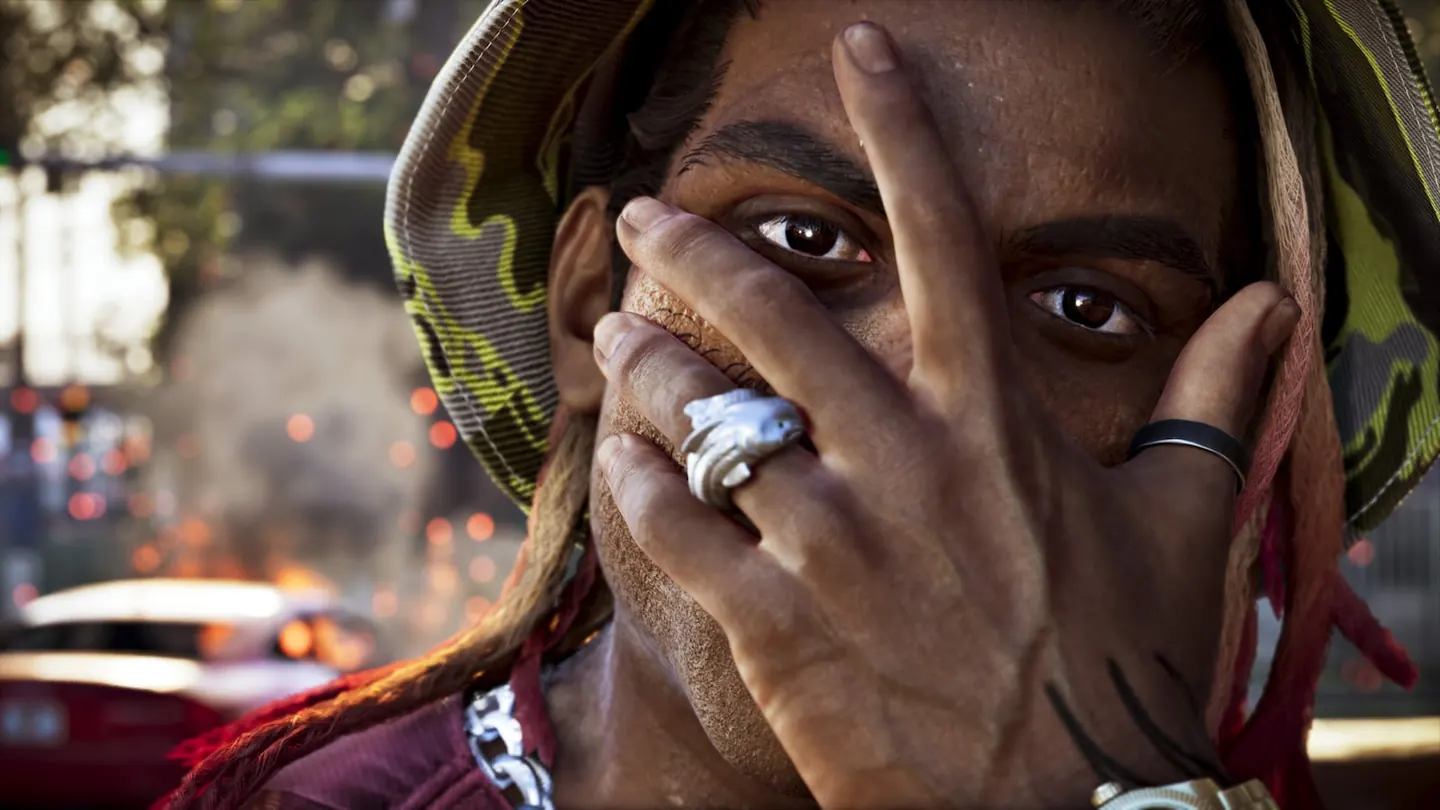
GTA 6 WAiNK scans can make you feel like a tourist with an unusually useful phone. A sculpture, a strange landmark, an odd painted message: each is a reason to pull over. But not every object you scan advances the same collection.
PowerPyx's dedicated WAiNK guide draws the distinction that saves the most confusion: WAiNK Locations is its own Progress category, separate from AHOL Street Art and 1010 Murals.
GTA 6 WAiNK scan categories
The guide lists 108 location scans divided into Landmarks, Curiosities, Sculptures, Peewees Billboards and No Flusher Tags. You need 100 location scans for the relevant trophy and the 100% checklist.
That leaves some room to choose your route. It does not mean any 100 uses of the scanner count, or that vehicle scans can replace missing landmarks.
How to recognise a nearby scan
PowerPyx describes vibration, a sound cue and a nearby-scan notification. Hold Up to open the phone's scan app, then look for the WAiNK starburst on the object.
When a prompt seems elusive, stop moving and work around the visible object from a couple of angles. Our recommendation is to do this on foot where practical; it is easier to identify the subject than while watching traffic and turning the camera at speed.
Track the category before chasing another marker
Check Progress > Collections > WAiNK Locations after a successful scan. If another collection changed instead, the scan may be valid without helping this particular target.
Keep three notes when following an external map: the location name, the collection it belongs to, and whether your game recorded it. That is enough to prevent a very common completionist mistake: counting every scanned thing as the same kind of progress.
A better way to explore Vice City
Build short loops around the area you are already visiting. Scan something interesting, stop for a side activity, and save the long cross-state clean-up for later. The city is more enjoyable when your route still has room for an unexpected detail.
Our phone-app reference covers the wider phone system, while the 100% checklist guide explains how scanning fits alongside cards, stunts and other activities.
Sources
- GTA 6 All WAiNK Scan Locations
PowerPyx · Checked
Separates WAiNK location scans from street-art collections and explains scan notifications and completion targets.
The conversation
Your take on Leonida.
Got a detail we missed? A theory worth arguing about? Make your case. Keep it friendly, and keep personal details out.
JavaScript is needed for this optional discussion; the full article is readable without it.
Keep going